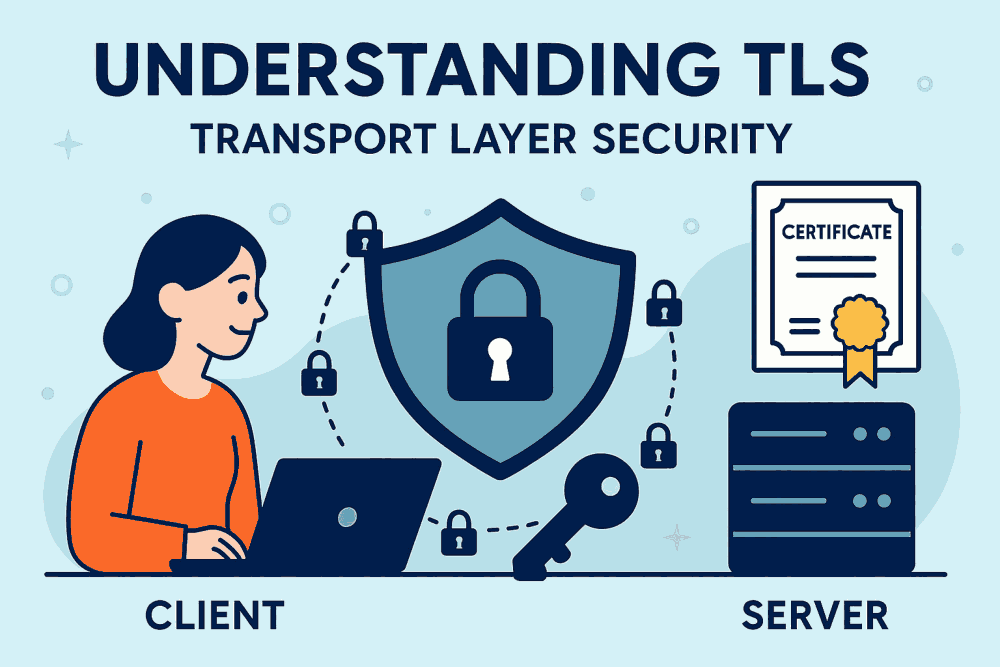
What is TLS (Transport Layer Security)?
TLS Transport Layer Security is a foundational protocol for
secure internet communication, ensuring privacy, integrity, and
authentication between clients and servers. Transport Layer
Security (TLS) is a cryptographic protocol designed to provide Secure
communication over a computer network. It evolved from SSL Certificates
or Secure
Sockets Layer, and is now the standard for encrypting data exchanged
between web browsers and servers. TLS ensures that sensitive
information, like login credentials, payment details, and personal
data—is transmitted securely, preventing unauthorized access or
tampering. It operates between the transport and application layers of
the OSI model, securing protocols like HTTP, SMTP, FTP, and more. TLS is
widely used in web applications, email services, VoIP, and other
internet-based communications. When you start a website see it to that
the Web Hosting platform supports TLS, for example
Contabo_Web_Hosting supports TLS through SSL Certificates,
which enable secure HTTPS connections for your websites
How Does TLS Work?
TLS Transport Layer Security works through a process called the TLS handshake, which occurs when a client (e.g., a browser) connects to a server. During this handshake, the client device and the web hosting server agree on encryption algorithms, authenticate each other using digital certificates, and generate session keys for secure communication. The steps include:
- Client Hello: The client sends supported TLS Transport Layer Security versions, cipher suites, and a random number.
- Web Hosting Server Hello: The web hosting server responds with its chosen cipher suite, TLS version, and its own random number.
- Certificate Exchange: The server sends its TLS certificate to prove its identity.
- Key Exchange: Both parties use asymmetric encryption to securely exchange keys.
- Session Key Generation: A shared symmetric key is created for fast, secure data transmission.
Once the handshake is complete, all further communication is
encrypted using the session key.
Impact of TLS on Web Application Performance
While TLS Transport Layer Security as the name suggests, adds a layer of Security, it can slightly impact web performance due to the overhead of Encryption and the Handshake process. However, modern TLS implementations are optimized to minimize latency. Key performance considerations of Transport Layer Security include:
- Handshake Latency: Initial connection between the client device and the web hosting server setup takes longer due to cryptographic operations.
- CPU Usage: Encryption and decryption in Transport Layer Security protocol requires processing power, especially on high-traffic servers.
- Caching and Session Resumption: TLS supports session resumption and caching to reduce handshake overhead.
- HTTP/2 Compatibility: TLS is required for HTTP/2, which improves performance through multiplexing and header compression.
Overall, the security benefits of Transport Layer Security for the
web hosting server far outweigh the minimal performance
costs, especially with hardware acceleration and optimized server
configurations.
Why Is TLS Transport Layer Security Required?
TLS is essential for protecting the web hosting server data integrity, confidentiality, and authenticity in online communications. Without Transport Layer Security, data transmitted over the internet is vulnerable to:
- Eavesdropping: Attackers can intercept and read unencrypted data.
- Man-in-the-Middle Attacks: Hackers can alter or inject malicious content into data streams.
- Spoofing: Without authentication, users may unknowingly connect to fraudulent servers.
TLS Transport Layer Security mitigates these risks by encrypting data and verifying
the web hosting server
identities. It’s a critical component of Cybersecurity, especially for
websites handling sensitive user information, financial transactions, or
personal data.
What Does TLS Transport Layer Security Do?
TLS Transport Layer Security provides three core security functions for the communications between a web hosting server and its client device:
- Encryption: TLS Transport Layer Security Converts plaintext into ciphertext, making data unreadable to unauthorized parties.
- Authentication: Uses TLS certificates to verify the identity of servers (and optionally clients).
- Integrity: Transport Layer Security ensures that data hasn’t been altered during transmission using cryptographic hash functions.
These functions work together to create a secure channel between
client and server, enabling trust and privacy in digital interactions.
TLS also supports forward secrecy, ensuring that even if a session key
is compromised, past communications remain secure.
What Is a TLS Certificate?
A TLS Transport Layer Security certificate is a digital document issued by a Certificate Authority (CA) that verifies the identity of a website or server. It contains:
- The domain name
- The public key
- The CA’s digital signature
- The certificate’s expiration date
When a browser connects to a website, it checks the TLS Transport
Layer Security Certificate
to confirm the site’s authenticity. If the certificate is valid and
trusted, the browser proceeds with the TLS handshake. TLS certificates
are essential for HTTPS connections and are typically issued in formats
like X.509. They can be domain-validated (DV), organization-validated (OV),
or extended-validation (EV), depending on the level of verification.
How to Implement TLS Transport Layer Security on a Website
Implementing TLS involves several steps:
- Purchase or Generate a TLS Certificate: Obtain a TLS Transport Layer Security Certificate from a trusted CA or use free options like Let’s Encrypt.
- Install the TLS Certificate on Your Server: Configure your web server (Apache, Nginx, IIS) to use the TLS certificate.
- Redirect HTTP to HTTPS: Ensure all traffic is routed through secure HTTPS connections.
- Update Application URLs: Change internal links and resources to use HTTPS.
- Test Configuration: Use tools like SSL Labs to verify proper setup and security strength.
- Renew TLS Certificates Regularly: TLS Transport Layer Security Certificates expire and must be renewed to maintain trust.
Proper implementation ensures Secure communication and improves
SEO
rankings, as search engines favor HTTPS-enabled sites.
Difference Between TLS, SSL, and HTTPS
| Protocol | Description | Status |
|---|---|---|
| SSL (Secure Sockets Layer) | Predecessor to TLS, used for secure communication | Deprecated |
| TLS (Transport Layer Security) | Modern protocol for encrypted communication | Active |
| HTTPS (HyperText Transfer Protocol Secure) | HTTP over TLS, used for secure web browsing | Implementation |
TLS Transport Layer Security replaced SSL due to vulnerabilities in older
SSL_Certificate
versions. HTTPS is not a protocol itself, but a
combination of HTTP and TLS. When you see HTTPS in your browser, it
means TLS Transport Layer Security is securing the connection. TLS is more secure and efficient
than SSL, and all modern browsers and servers support TLS 1.2 or TLS
1.3.
Additional Insights About TLS Transport Layer Security
- TLS Transport Layer Security Versions: TLS 1.0 and 1.1 are deprecated. TLS 1.2 is widely used, while TLS 1.3 offers faster handshakes and improved security..
- Cipher Suites: TLS Transport Layer Security supports various encryption algorithms. Strong cipher suites should be selected to prevent vulnerabilities.
- Forward Secrecyy: Ensures that session keys are not reused, protecting past communications even if keys are compromised.
- TLS in Email and VoIP: Transport Layer Security is used beyond web browsing, in Securing Email (SMTP, IMAP, POP3), Messaging, and Voice Communications.
- TLS Termination: In large-scale deployments, TLS Transport Layer Security termination may occur at load balancers to offload encryption tasks from backend servers.
TLS continues to evolve, with ongoing improvements in speed,
security, and compatibility. It’s a cornerstone of modern internet
infrastructure, enabling safe and trustworthy digital experiences.
Contabo_Web_Hosting supports TLS through SSL certificates,
which enable secure HTTPS connections for your websites. If you plan to
host a website then Contabo is the best choice due to Contabo's
excellent secure infrastructure. Here’s how TLS works with Contabo:
TLS via SSL Certificates on Contabo
- TLS Transport Layer Security is implemented through SSL Certificates on Contabo web hosting servers. These certificates encrypt data between your website and visitors, enabling HTTPS.
- You can install SSL/TLS certificates on various platforms hosted by Contabo, including cPanel, Plesk, Apache, Windows Server, and Linux.
- Contabo supports Let’s Encrypt, a Free Certificate Authority, allowing you to set up TLS without any additional cost.
- You can also purchase SSL certificate add-ons
directly from Contabo via their Customer Control Panel. Options
include:
- Standard SSL: Secures a single domain.
- Wildcard SSL: Secures a domain and all its subdomains.
TLS Transport Layer Security Setup Process on Contabo
- Log into your Contabo_Web_Hosting Control Panel (e.g., cPanel or Plesk).
- Navigate to the SSL/TLS section.
- Install the Certificate by pasting the CRT, KEY, and CABUNDLE files.
- Enable HTTPS redirection to ensure all traffic is encrypted.
Contabo provides detailed guides for each hosting environment to help you configure TLS Transport Layer Security correctly.