Elementor Turns Text Prompt to Webpage
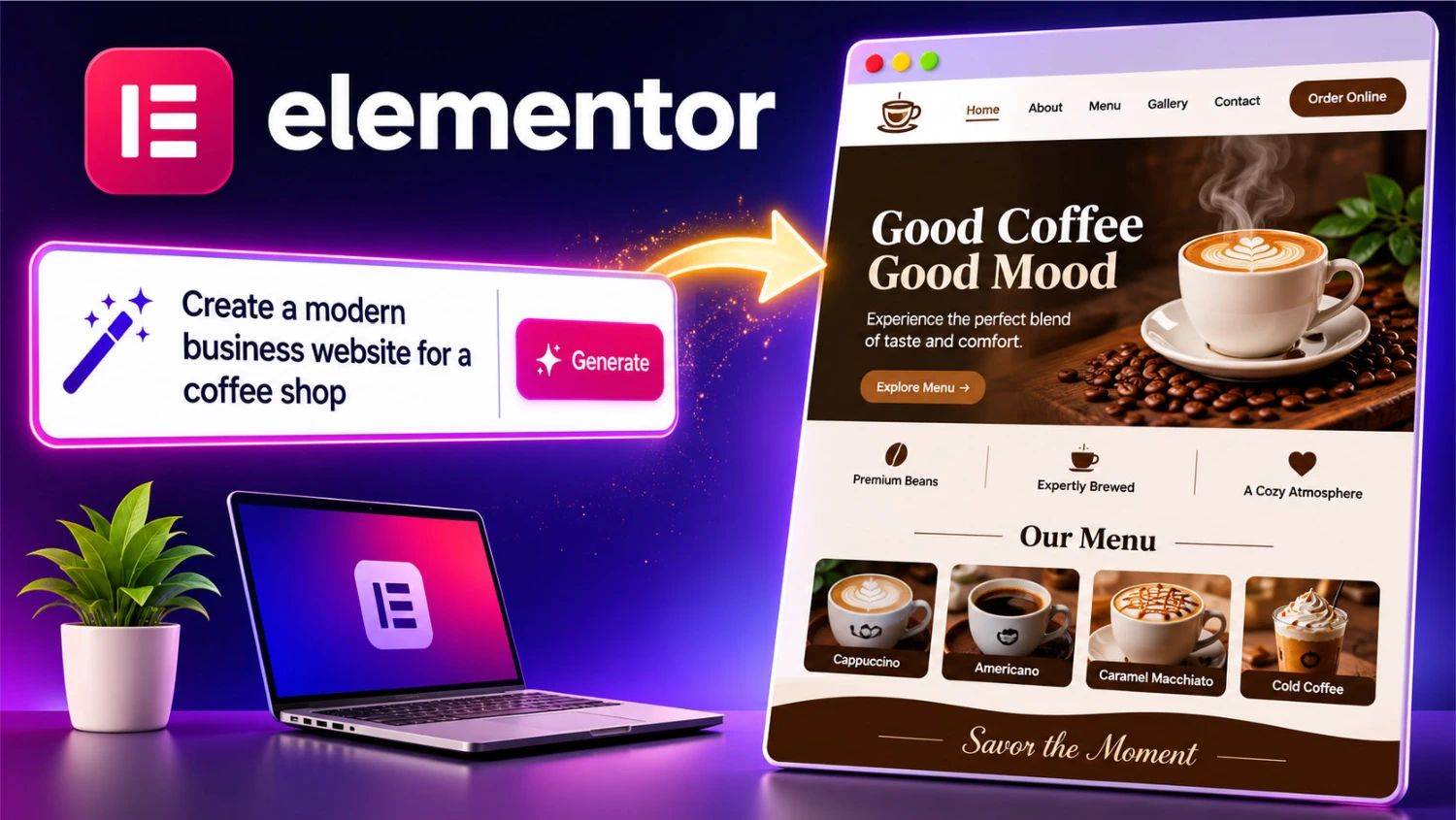
Elementor Turns Text Prompt to a Full Webpage in Minutes: How "Text Prompt to Webpage" Is Changing Site Building
A few years ago, building a web page meant sketching a layout, choosing fonts, hunting for images, writing copy and then spending an evening nudging a button three pixels to the left. Today you can type a couple of sentences describing what you want and watch a page appear.
Elementor Web Hosting, has one of the most popular WordPress page builders, has leaned into this idea with its AI tools. The "text prompt to webpage" workflow is no longer a novelty. It is becoming a normal way to start a project.
This article looks at how text prompt to webpage works, where it shines, where it falls short, and how to get better results than most people do on their first try.
What "Text Prompt to Webpage" Actually Means
The idea is simple. You describe the page you want in plain language, and the tool turns that description into a working layout with headings, sections, copy, images and styling. You skip the blank canvas and start with something you can react to.
With Elementor, this sits inside the visual editor you may already know. The AI-generated output is not a flat image or a locked template. It arrives as real Elementor widgets, containers and sections that you can click, drag, restyle and rewrite like anything you built by hand. That is the difference between a gimmick and a useful workflow.
The exact features and names Elementor offers change as the product evolves, so check its current documentation for what your plan includes. The overall pattern, though, is consistent: describe, generate, refine, publish.
Why Text Prompt to Webpage Approach Appeals to So Many People
It removes the blank-page problem. Most of us are better editors than creators. Staring at an empty canvas is intimidating, while fixing a draft that is 70 percent right feels easy.
It saves time on first drafts. A landing page that once took half a day to rough out can now take minutes to generate. The polishing still takes time, but the scaffolding is done.
It lowers the barrier for beginners. Small business owners, freelancers and bloggers who don't know design terminology can describe their goals in everyday words. You don't need to know what a "hero section" is to ask for a big welcoming area at the top with a button.
Elementor helps professionals build websites faster with text prompt to webpage feature. Agencies and freelancers use text-prompt to webpage generation to create quick concepts for clients, then refine the best one. It is a brainstorming partner as much as a builder.
A Realistic Walkthrough of Text Prompt to Webpage
Imagine you run a small bakery and want a page for your weekend sourdough subscription. Here is how the process typically goes.
Step 1: Write a clear prompt. Instead of "make a bakery page," try something like: "Create a landing page for a neighborhood bakery offering a weekly sourdough subscription. Warm, friendly tone. Include a hero section with a signup button, three benefits, a short story about the baker, customer testimonials and a simple FAQ."
Step 2: Generate and review. The tool produces a structured page. Read it like a visitor would. Does the order make sense? Is anything missing? Does the tone sound like your bakery?
Step 3: Edit in the visual editor. This is where Elementor's strength shows. Swap the placeholder photos for your real ones, adjust colors to match your brand, and tighten the copy.
Step 4: Check mobile and speed. Most visitors will arrive on a phone. Preview the responsive views and fix anything that looks cramped.
Step 5: Publish and test. Click your own buttons, submit your own form and make sure everything works before you share the link.
How to Write Text Prompt to Webpage for Better Pages
The quality of your Text Prompt to Webpage output depends heavily on your input. These habits make a noticeable difference.
Name your audience. "A page for busy parents looking for healthy lunch ideas" produces different copy than "a page for fitness coaches."
State the goal. Do you want signups, purchases, calls or downloads? A page with one clear goal is stronger than one that tries to do everything.
Describe the tone. Words like "playful," "professional," "calm" or "bold" steer the writing and sometimes the styling.
List the sections you need. Hero, features, pricing, testimonials, FAQ and contact form are common building blocks. Naming them prevents surprises.
Give real details. Your business name, location, services and unique selling points make the content feel specific instead of generic.
Iterate instead of starting over. If the first
result is close, adjust the prompt or edit one section rather than
throwing everything out.
Explore Elementor and Start Building Your Website
Where the Technology Still Falls Short, Text Prompt to Webpage Helps
It would be dishonest to pretend that it is magic. Here are the limitations worth knowing.
Generic copy is common. AI-written text tends to sound smooth but bland. Left untouched, your page may read like a hundred others. Rewrite key lines in your own voice, especially headlines and calls to action.
Facts need checking. If the tool invents a claim, a statistic or a testimonial, it is your responsibility to remove or verify it. Never publish made-up reviews or numbers.
Design may need a human eye. Spacing, contrast and visual hierarchy can be slightly off. A quick pass for readability and accessibility is worth the effort.
Images may not fit. Generated or stock images can feel impersonal. Real photos of your product, team or space almost always build more trust.
SEO still needs attention. A generated page won't automatically target the right search terms, include a good meta description or have properly structured headings. That part is on you.
Tips for Making the Text Prompt to Webpage Result Truly Yours
Think of the generated Text Prompt to Webpage as clay, not a finished sculpture. A few finishing touches separate a forgettable page from a memorable one.
- Rewrite the first sentence. Your opening line sets the whole mood. Make it sound like something you would actually say.
- Add proof. Real customer quotes, logos of clients, certifications or before-and-after results build credibility fast.
- Simplify. AI tends to include more sections than needed. Cut anything that doesn't serve the main goal.
- Keep branding consistent. Set your global colors and fonts once so every section matches.
- Test the page on a friend. Ask them what the page is offering after ten seconds. If they can't answer, simplify.
Who Benefits Most From Text Prompt to Webpage Workflow?
The best benefit of Elementor Text Prompt to Webpage is for these people:
Small business owners can get a credible web presence up quickly without hiring a designer for every small change.
Freelancers and agencies can generate multiple concept directions for a client meeting in a fraction of the usual time.
Bloggers and creators can spin up landing pages for newsletters, courses or product launches without leaving their usual tools.
Marketers can test several page variations for a campaign, then keep the one that converts best.
A Note on Responsible Use of Text Prompt to Webpage
Speed is great, but trust matters more. Be transparent where it
counts, avoid fake testimonials, respect image licenses and make sure
your page is accessible to people using screen readers or keyboard
navigation. Review privacy policies and forms, especially if you collect
personal data. An AI can draft the page, but you are the publisher.
Watch this video on how easy it is to use Elementor WordPress Website
Builder
Is Elementor Text Prompt to Webpage Worth Trying?
For most people, yes. The Elementor Text Prompt to Webpage approach is not about replacing creativity or craft. It is about moving the hardest, slowest part of the job, getting from nothing to something, out of your way. Inside Elementor, that something stays fully editable, so you are never locked into what the AI produced.
If you are curious, start small. Pick one simple page, such as an about page, a service page or a landing page for a single offer. Write a detailed prompt, generate a draft and spend your time on the editing, where your knowledge of your own business makes the biggest difference. You may find that the best use of AI is not letting it finish the job, but letting it start it.
Final Thoughts
Website building is steadily shifting from "assemble every piece
yourself" to "describe, review and refine." Elementor's
prompt-driven tools reflect that shift, and the people who benefit most
are those who treat the output as a strong first draft rather than a
final product. Be specific in your prompts, be critical in your review
and keep your own voice in the finished page. Do that, and the text
prompt to webpage workflow becomes less of a shortcut and more of a
genuinely better way to build.
Explore Elementor and Start Building Your Website
Your business needs a Website for global sales reach. Start building a website with just text prompts with Elementor. It is so easy, needs no experience and no coding. Start today.